

News Summary
Many TicketMaster users, particularly on Windows, are experiencing disruptions due to Error 401: Not Allowed when attempting to purchase tickets. This issue arises after users select event dates and can be traced back to temporary cached files, security protocols related to proxy servers or VPNs, and potential temporary account bans. To resolve this, users are advised to clear their browser cache and cookies, adjust their proxy settings, and monitor their account activity to avoid flags that may lead to restrictions.
TicketMaster Users Face Frustration with Widespread Error 401
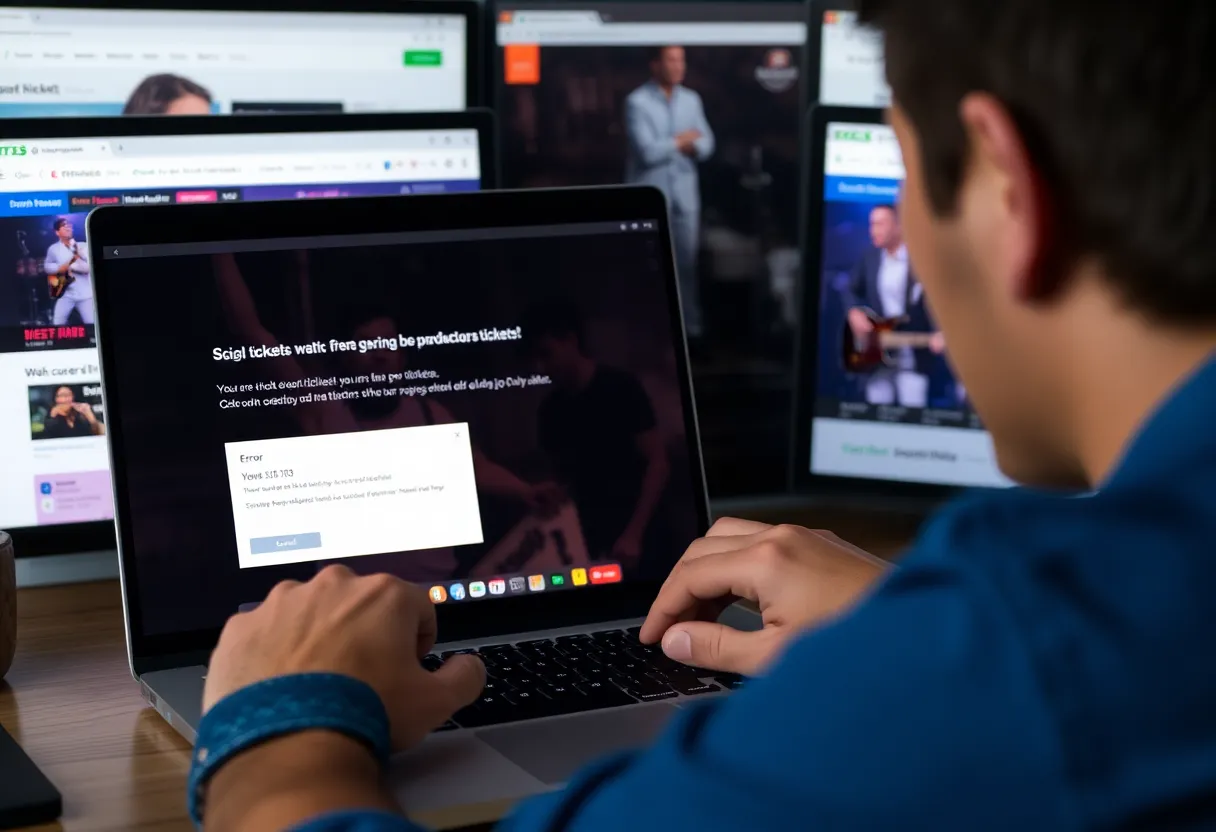
Hey there, ticket buyers! If you’ve been trying to snag those sought-after concert or event tickets on TicketMaster recently, you might have run into a frustrating hiccup: the dreaded Error 401: Not Allowed. You’re certainly not alone in this predicament—many Windows users are currently facing the same issue while trying to complete their ticket purchases.
What’s Happening?
Imagine this: you’re all set to buy tickets after searching for the perfect date and seat, but just when you’re ready to pull the trigger on your big purchase, you see the error message instead. Talk about a buzzkill, right? While users can search for tickets without any issues, the trouble starts once they select a date to initiate the buying process.
What Causes Error 401?
So, what’s behind this pesky Error 401? It seems that it’s often a result of temporary cached files or cookies set up by the TicketMaster platform itself. No one likes slow loading and annoying pop-ups, but unfortunately, these little files sometimes cause more trouble than expected.
One of the simplest ways to clear the clutter and get things back on track is to clear your browser cache and cookies. It’s an easy fix and worth a shot before diving deeper into troubleshooting. Most popular browsers, including Chrome, Firefox, and Edge, provide guides on how to perform this task, so you’ll be up and running in no time!
Proxy Servers, VPNs, and More
Another thing to note is that TicketMaster has strict security protocols in place for users who are on proxy servers or VPN clients. These safeguards can inadvertently block access, so you might want to consider disabling them temporarily to see if that solves your problem.
Additionally, some reports indicate that network inconsistencies can also trigger Error 401. If you’re continually facing this issue, restarting your networking device, like your router or modem, could do wonders. Sometimes, it’s just a little reset that’s needed to restore your connection and access TicketMaster smoothly.
Temporary Bans
One slightly more complicated reason for running into Error 401 might be a temporary account ban. Yes, you read that right! If your account has been flagged for suspicious activity, a quick wait of 24 hours may be necessary for the ban to expire. Alternatively, creating a new account could be a viable option if you can’t wait around.
It’s interesting to note that user reports suggest TicketMaster may create corrupted cookies that inadvertently block users from completing their ticket purchases. If clearing your browser cache doesn’t do the trick, it may be time to look into your VPN or proxy server settings as the next potential fix.
Precautions to Avoid Getting Flagged
For those eager ticket hunters, be cautious! Refreshing a TicketMaster page multiple times or logging in from various devices can flag your account as a bot, which leads to those pesky temporary bans. Attempting to bypass such blocks can be risky since they’re tied to your account rather than your IP address. The best course of action here is to wait it out or, if necessary, use a different TicketMaster account for your ticketing adventures.
Wrapping Up
In summary, if you’re hitting the wall with Error 401 on TicketMaster, remember that you’re not alone! Clearing cache and cookies, addressing any proxy or VPN settings, restarting your network, and being careful with your account activity can significantly help. So hang tight, and hopefully, you’ll be back in the ticket-buying game soon!
Deeper Dive: News & Info About This Topic
- Appuals: TicketMaster 401 Not Allowed
- Wikipedia: Error 401
- Appuals: Common TicketMaster Issues
- Google Search: TicketMaster error messages
- Appuals: Fixing TicketMaster Issues
- Encyclopedia Britannica: Internet
- Appuals: TicketMaster Account Issues
- Google News: TicketMaster


Author: STAFF HERE MEMPHIS WRITER
The MEMPHIS STAFF WRITER represents the experienced team at HEREMemphis.com, your go-to source for actionable local news and information in Memphis, Shelby County, and beyond. Specializing in "news you can use," we cover essential topics like product reviews for personal and business needs, local business directories, politics, real estate trends, neighborhood insights, and state news affecting the area—with deep expertise drawn from years of dedicated reporting and strong community input, including local press releases and business updates. We deliver top reporting on high-value events such as Beale Street Music Festival, Elvis Week, and Memphis in May International Festival. Our coverage extends to key organizations like the Greater Memphis Chamber and the Memphis Convention & Visitors Bureau, plus leading businesses in logistics, healthcare, and music that power the local economy such as FedEx, St. Jude Children's Research Hospital, and AutoZone. As part of the broader HERE network, including HEREBristol.com, HEREChattanooga.com, HEREKnoxville.com, and HERENashville.com, we provide comprehensive, credible insights into Tennessee's dynamic landscape.